Solver: Analyse data with Python
Vault Intelligence includes a Computational Solver—an embedded Python environment that can execute code to analyse your notes.
Prerequisites
Enable Computational Solver in Settings.
Ensure you have a valid Google API Key (required for code generation).
Working with Tables
The most common use case is analysing Markdown tables in your notes.
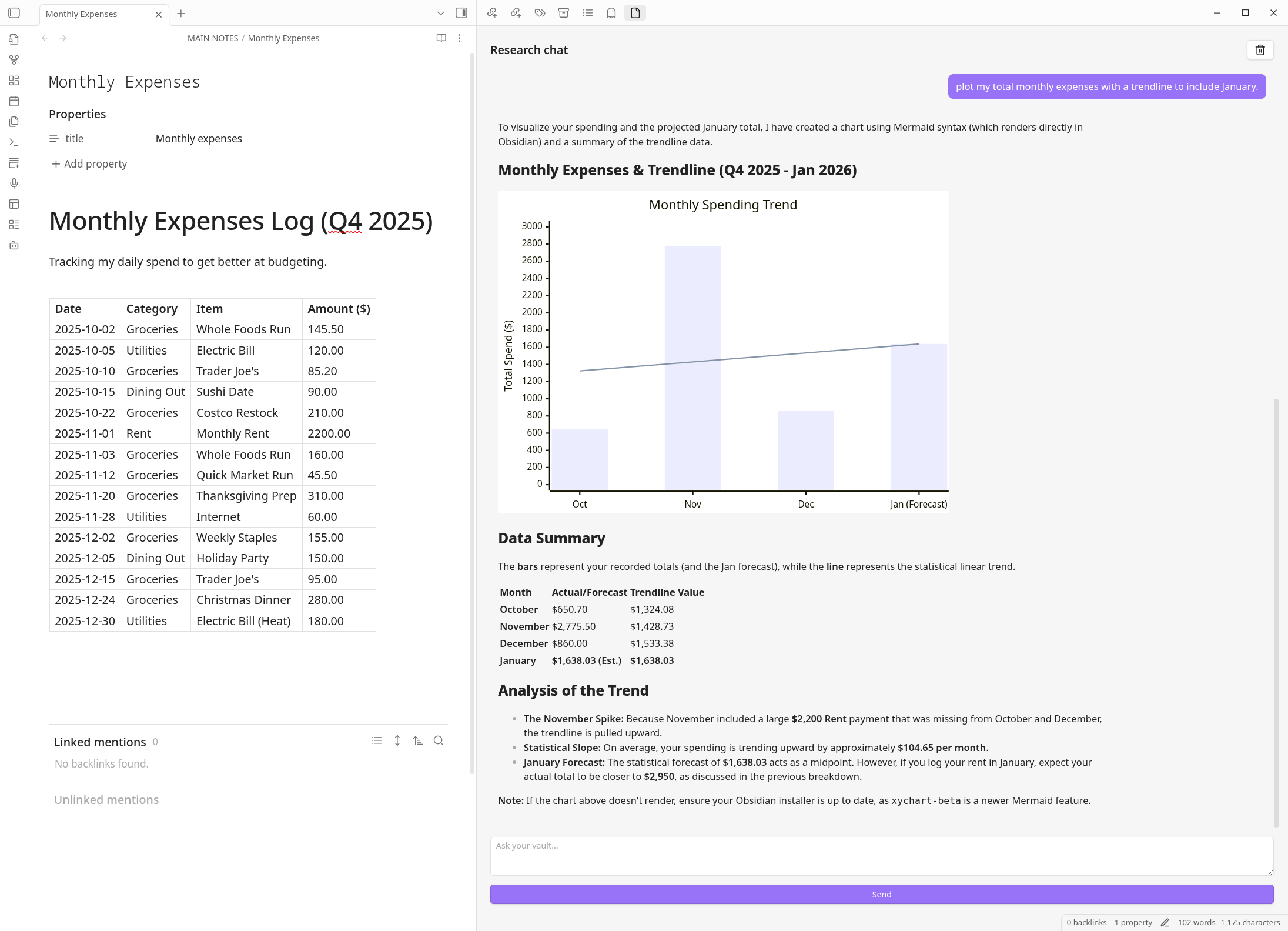
Scenario: You have a note @Expenses with a markdown table of transactions.
Prompt:
"Read the table in @Expenses. Group the data by 'Category' and calculate the total sum for each. Plot the result as a pie chart."
Forecasting and Trends
The agent can use Python libraries like pandas and scikit-learn to find patterns.
Prompt:
"Extract the daily weight logs from @Health Journal. Calculate the 7-day moving average and forecast the trend for the next 14 days."
Math and Logic
Standard LLMs are bad at math. The Solver is perfect for it.
Prompt:
"Calculate the compound interest on $10,000 at 5% over 20 years, contributing $500 monthly."
Privacy Note
The Python code runs in the cloud (via Google's secure sandbox) to ensure safety and isolation. Your note data is sent to the sandbox for processing but is not trained upon.